
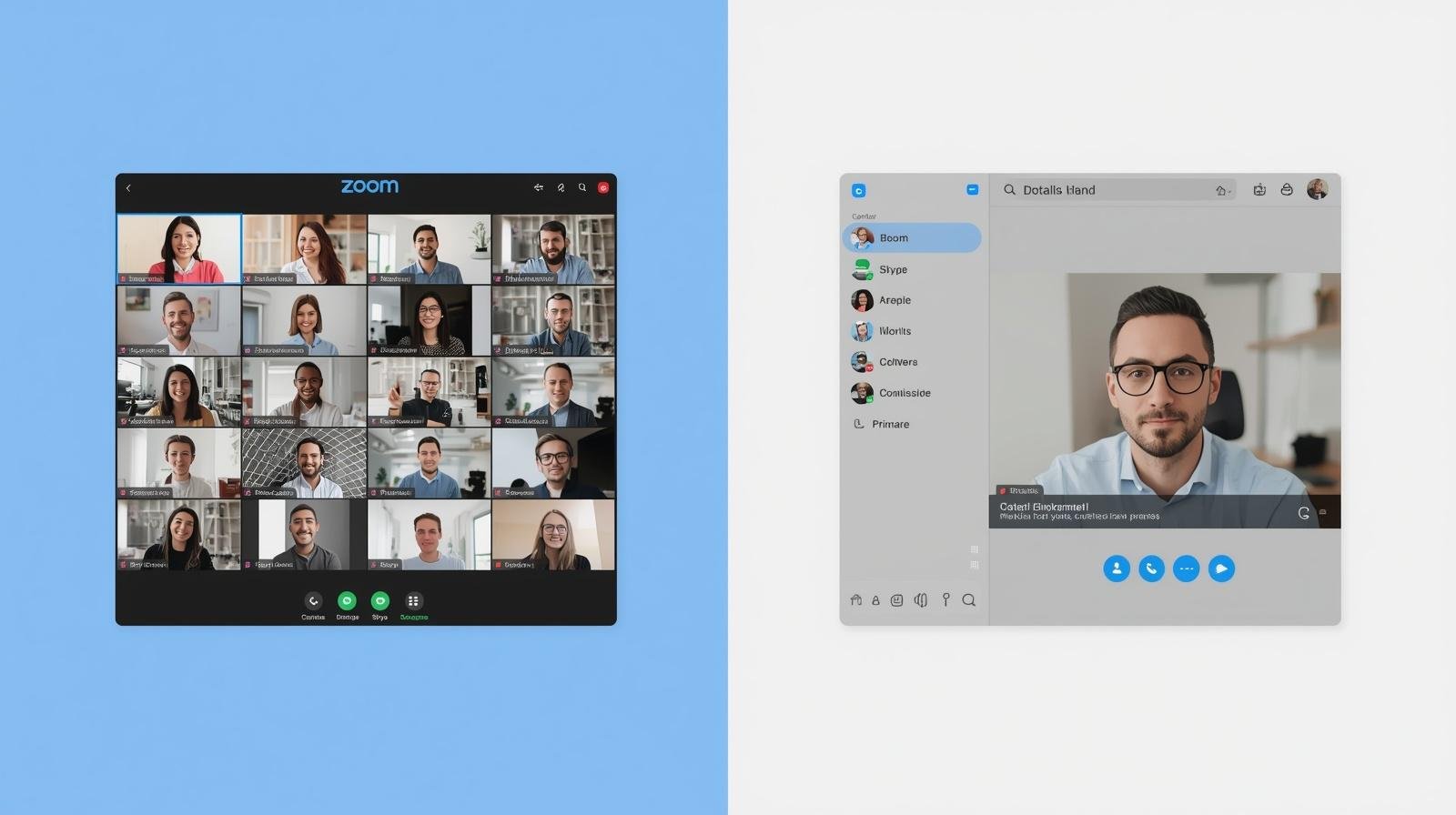
Zoom vs Skype: The Best Platform for Quran Study
Over 3 million Muslims now take Quran classes online every single week. Choosing the wrong platform quietly ruins the experience. For Zoom vs. Skype online Quran classes, Zoom wins for serious learners.
But understanding why takes a closer look at what actually happens inside a live lesson. The differences between these two platforms affect recitation accuracy, teacher feedback, and overall progress more than most people expect. So, before booking the next class, here is what actually matters.
Why the Platform Choice Affects Real Learning
Online Quran classes depend on crystal-clear audio above everything else. Tajweed correction requires hearing the smallest pronunciation differences in real time. A platform that compresses audio or drops connection mid-lesson creates serious problems.
Skype has been around since 2003 and has built early loyalty in the Quran teaching community. Zoom entered the scene later but quickly became the educator’s choice worldwide. Both platforms handle basic video calls, but structured Quran education demands more than a basic video call.
Audio Quality Decides Tajweed Accuracy
Zoom allows teachers to enable original sound mode, which removes audio compression entirely. That matters deeply when correcting letters like Dhad or Qaf during recitation.
Skype compresses audio heavily on slower connections, which flattens the tonal differences that Tajweed correction depends on. For students serious about Quran Memorization, every mispronounced letter that goes undetected becomes a habit.
Zoom’s audio consistency gives teachers a genuine fighting chance to catch and correct errors accurately every single session.
Ease of Use for Students of All Ages
Joining a Zoom class takes one click on a link, requiring zero account creation. That simplicity genuinely matters for children and elderly learners starting their Quran journey.
Skype historically required accounts and contact approvals before lessons could even begin. Microsoft improved this somewhat, but the experience still feels clunkier than Zoom for recurring weekly classes.
Teachers using Zoom also get waiting rooms and host controls, which keep sessions organized and distraction-free from the very first minute.
Screen Sharing and Interactive Learning Tools
Teachers these days bring a lot more than a microphone to an online Quran class. Zoom makes sharing and marking up that content genuinely effortless for both teacher and student in real time.
When working through complex Waqf positions or the Quranic Arabic language, that verbal and written exchange is quite beneficial. Skype only allows for basic screen sharing. Without annotation, the teacher points at a screen and the student just watches, which is a pretty passive way to learn something as precise as Quran recitation.
Security and Session Recording for Ongoing Progress
Zoom uses end-to-end encryption, password-protected links, and waiting rooms for every session. Parents enrolling children in online Quran classes can feel confident about who enters each class.
Skype also encrypts calls and benefits from Microsoft’s security infrastructure. However, Zoom’s recording feature separates it meaningfully from Skype. Students who miss a session can review the full recorded lesson afterward.
Teachers running structured programs like an Online Tafseer Course build entire lesson libraries that students revisit throughout the course.
Cost Differences Worth Knowing
Skype offers completely free one-on-one calls with no time restrictions whatsoever. That makes it genuinely attractive for independent teachers working with individual students. Zoom’s free tier caps sessions at 40 minutes, which cuts most Quran lessons short.
Paid Zoom plans remove that cap and unlock recording and advanced host tools. Established academies typically absorb this cost within their pricing structure. Solo teachers just starting out might find Skype more practical for early-stage lessons before moving toward a more professional setup later.
What Most Quran Academies Actually Use Today
Most serious online Quran learning academies moved to Zoom around 2020 and stuck with it. Better scheduling, reliable recordings, and steady connections made the switch a straightforward decision, especially for institutions handling students across different time zones.
Skype still works for independent teachers in communities where it caught on early, and there is nothing wrong with that. However, the direction the industry is heading is pretty clear.
Academies that care about structured lessons, tracking student progress, and holding teachers accountable tend to run everything through Zoom these days.
Making the Right Call for Serious Quran Education
Skype works fine for casual, occasional lessons between a student and a trusted teacher. But students building a real foundation in recitation, memorization, or Islamic studies need a more capable platform.
Zoom’s audio clarity, interactive tools, and recording features genuinely support deeper learning over time. At Knowledge Quran, every class runs through a professional setup built around student progress.
FAQs
Is Zoom better than Skype for online Quran classes?
Yes, Zoom offers cleaner audio and stronger teaching tools. It supports serious Tajweed and recitation learning far more effectively.
Can Quran classes on Skype still be effective?
Yes, especially for one-on-one lessons with a trusted teacher. Limitations show up most in group settings or interactive lessons.
Do students need to set up Zoom or Skype themselves?
Most academies send a class link that students simply click to join. No technical setup is usually required.
Is Zoom safe for children attending online Quran classes?
Yes, when academies use password-protected meetings and waiting rooms. Parents should confirm these practices before enrolling.
What internet speed works best for online Quran classes?
A stable 5 Mbps connection handles Zoom sessions comfortably. Skype can function on slightly less, but it may compress audio quality.
Can Quran lessons be recorded for later review?
Zoom allows hosts to record sessions with student permission. This helps students easily review recitations and revisit missed lessons.